Eurekas and Uh-Ohs: When to Add an Indicator During a Classroom Observation
Have you ever been observing a teacher when something happens that makes you go, “Wow!” But there’s no place to record it?
Here’s the scenario: You are in a classroom conducting an observation using the NEE Classroom Observation template that contains your focus indicators. The lesson progresses and you are on the watch for the key look-fors. Suddenly something draws your attention that is not connected to any of those focus indicators. You really want to include it in your observation, but what do you do? This could be a situation where the teacher exhibits an amazing skill OR does something that is completely unacceptable.
You want to congratulate your teacher on their awesome performance, or you need to discuss the problematic behavior with the teacher and make sure they change their practice. Either way, the NEE Data Tool can help you document the event so you can address it appropriately during your feedback conference.
Here’s how:
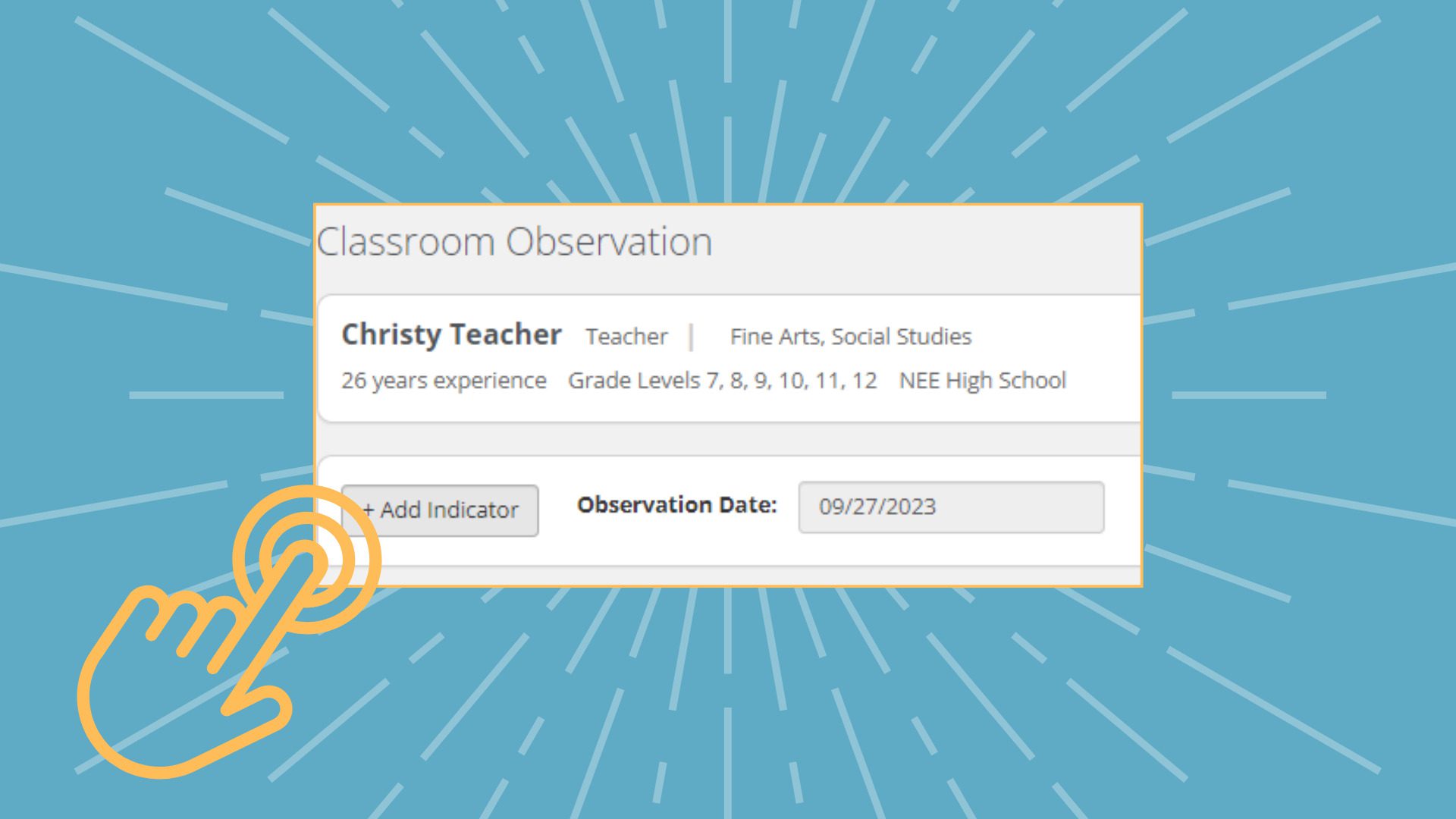
- At any point in an observation, you can scroll to the top of the classroom observation report page.
- Click the “+Add Indicator” button.
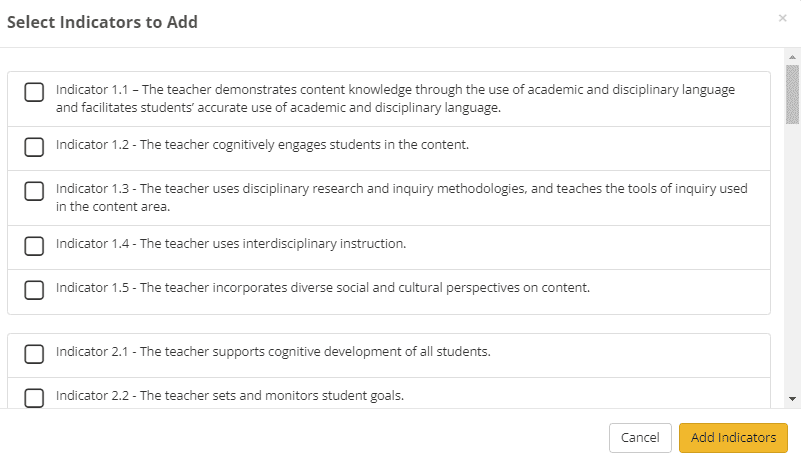
- Select the indicator you want to add by clicking its checkbox.
- Click the gold Add Indicators button to save it.
- That indicator will now be inserted into your observation report but only for that observation.
It’s totally understandable if you can’t immediately locate the exact indicator you need to add. Not to worry! You can use the General Comments section at the bottom of the page to record what you want to remember about the event. Just be sure to click the “Complete Later” button. After you have left the classroom, you can determine the indicator that best represents what you observed, resume the incomplete observation, add the desired indicator, score it appropriately, and edit your comments to fit. When you are happy with the full record of the observation, click the “Complete” button to finalize the observation and notify the teacher that the report is ready for their review.
During the feedback conference, you can celebrate with your teacher if it was a case of awesome teaching. On the other hand, if the behavior was something that needs to be changed or stopped, you can have that discussion. What’s more, you’ll be set up to monitor and document the teacher’s progress in achieving the needed change.
The Network for Educator Effectiveness (NEE) is a simple yet powerful comprehensive system for educator evaluation that helps educators grow, students learn, and schools improve. Developed by preK-12 practitioners and experts at the University of Missouri, NEE brings together classroom observation, student feedback, teacher curriculum planning, and professional development as measures of effectiveness in a secure online portal designed to promote educator growth and development.